


Reset Epson WF-2651WF: Certified Ink Pad Fix UK UK Official Certified
Fix your Epson WorkForce WF-2651WF ink pad error with the official licensed reset software. Certified maintenance tool with lifetime validity and inst

Permanently active
✓ Reset 100% of the counter
✓ Installation transfer twice a year
✓ Automatic delivery in 20 seconds
✓ Reset 100% of the counter
✓ Installation tutorial
✓ Total Life-Time guarantee
✓ Reset 100% of the counter
✓ Installation transfer twice a year
✓ Automatic delivery in 20 seconds
✓ Reset 100% of the counter
✓ Installation tutorial
✓ Total Life-Time guarantee
EUR 10

Active for 30 days
✓ Reset 100% of the counter
✓ Several printers of this model
✓ Automatic delivery 24 hours
✓ Online support
✓ Installation tutorial
✓ 30-day warranty
✓ Reset 100% of the counter
✓ Several printers of this model
✓ Automatic delivery 24 hours
✓ Online support
✓ Installation tutorial
✓ 30-day warranty
EUR 2.5

Keys for multiple models
✓ Choose your Models
✓ All Epson printers available
✓ Packages with 70% discount
✓ Online support
✓ Installation tutorial
✓ Activate it whenever you want
✓ Perfect for assistance
(At the client's company or address)
✓ Choose your Models
✓ All Epson printers available
✓ Packages with 70% discount
✓ Online support
✓ Installation tutorial
✓ Activate it whenever you want
✓ Perfect for assistance
(At the client's company or address)
Shipment
Automatic delivery in 10 seconds every day of the week.
Warranty
Full product warranty, receive your product or your money back
Support
Only works on Windows
7 8 10 and 11
The Certified Reset Solution for Your Epson WorkForce WF-2651WF
When your Epson WorkForce WF-2651WF shows the "Ink Pad End of Life" or "Service Required" message, it has reached a critical maintenance threshold set by Epson. The internal waste ink absorber has accumulated ink from cleaning cycles over time and is now at capacity. Epson's firmware triggers a mandatory lockdown to protect the printer's delicate internal components. Our certified Epson WorkForce WF-2651WF Reset Tool electronically resets this counter, allowing your printer to resume operation without any physical disassembly or specialist tools.
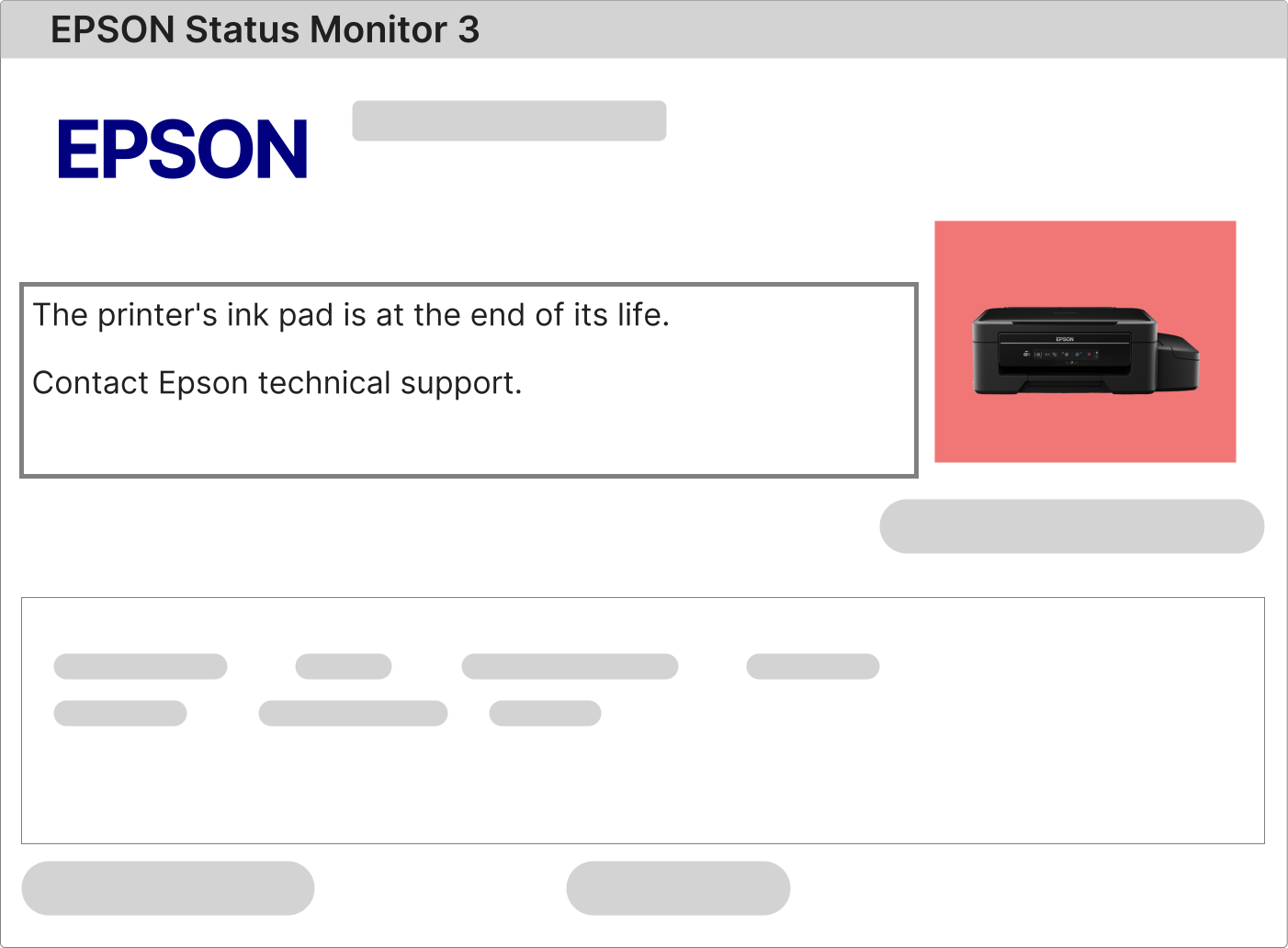
Understanding the Flashing Lights Error on Your Epson WorkForce WF-2651WF
When all indicator lights on your Epson WorkForce WF-2651WF flash simultaneously, this is Epson's built-in visual communication that the waste ink counter has hit its pre-set limit. The Epson Status Monitor 3 software on your connected Windows PC will display the specific error message confirming that a reset for the Epson WorkForce WF-2651WF is required to restore normal operation.
1 – Send a print job to your Epson WorkForce WF-2651WF and observe the error message in Epson Status Monitor 3.
2 – If the message references the ink pad, service requirements, or component end of life, proceed with a reset of your Epson WorkForce WF-2651WF.
3 – If no message appears, update your Epson WorkForce WF-2651WF printer drivers from the official Epson website before retrying.
Performing the Reset on Your Epson WorkForce WF-2651WF: The Simple Process
The reset procedure for your Epson WorkForce WF-2651WF is entirely software-driven and requires no opening of the printer casing or technical expertise. A Windows computer, a USB cable connected to your Epson WorkForce WF-2651WF, and the printer powered on is all that is required for the utility to interface with your printer's non-volatile memory.
The Epson WorkForce WF-2651WF Reset Tool has been specifically compiled and rigorously tested for this precise printer model to safely zero the waste ink pad counter without affecting any factory settings, network configurations, or original firmware.
1 – Use the secure download link delivered to your email following your purchase to obtain the reset programme for your Epson WorkForce WF-2651WF.
2 – Enter the unique activation key provided in the confirmation email to unlock the full capabilities of the tool for your Epson WorkForce WF-2651WF.
3 – Watch the step-by-step video tutorial included in your download package, which visually guides you through every stage of the Epson WorkForce WF-2651WF reset.
4 – Once the software confirms completion, turn off your Epson WorkForce WF-2651WF, pause for 10–15 seconds, then power it on. The maintenance error will be cleared.
How the Waste Ink Pad Functions in Your Epson WorkForce WF-2651WF
Inside your Epson WorkForce WF-2651WF is a dense foam pad — the waste ink absorber — that captures ink expelled during automated printhead cleaning routines, initial setup charging, and ongoing nozzle checks. These processes are vital to maintaining print quality on your Epson WorkForce WF-2651WF.
This pad keeps waste ink contained within the printer's chassis, preventing any leakage that could short-circuit boards or damage the precision mechanical components of your Epson WorkForce WF-2651WF.
As the pad fills progressively over years of use, the Epson WorkForce WF-2651WF's internal electronic counter triggers a complete shutdown. Resetting your Epson WorkForce WF-2651WF electronically tells the printer's firmware that the pad has been serviced and it is safe to resume printing.
Proper Epson WorkForce WF-2651WF maintenance involves two complementary steps:
• Physically inspecting, cleaning, or replacing the waste ink pad to prevent future overflow.
• Applying the Epson WorkForce WF-2651WF reset software to clear the electronic maintenance counter and restore normal printer operation.
Your activation key and private download link will be emailed to you immediately after payment is confirmed.

The email includes your personalised licence key and the official encrypted download page for the Epson WorkForce WF-2651WF reset software.
Follow the straightforward instructions enclosed to complete the reset of your Epson WorkForce WF-2651WF and get back to printing without further interruption.
Comparing Free Downloads vs. Licensed Professional Software for the Epson WorkForce WF-2651WF
Why investing in a licensed reset is the only safe choice for your Epson WorkForce WF-2651WF
Documented risks of free or unauthorised reset tools:
• Significant risk of malware, Trojans, or spyware embedded within free downloads that can compromise your entire system.
• Unpredictable errors during the reset, often leaving the Epson WorkForce WF-2651WF in a worse state than before the attempt.
• The maintenance counter frequently remains at maximum, resulting in a permanently locked Epson WorkForce WF-2651WF with ongoing flashing lights.
• Risk of permanent firmware corruption that renders the Epson WorkForce WF-2651WF beyond recovery and completely non-functional.
Benefits of the Licensed Epson WorkForce WF-2651WF Reset Tool:
• Professionally verified software built and tested exclusively for the Epson WorkForce WF-2651WF model.
• Simple installation process compatible with all modern Windows operating systems.